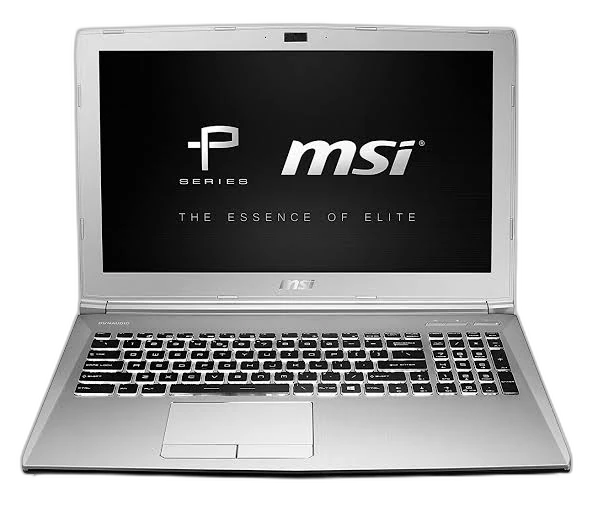
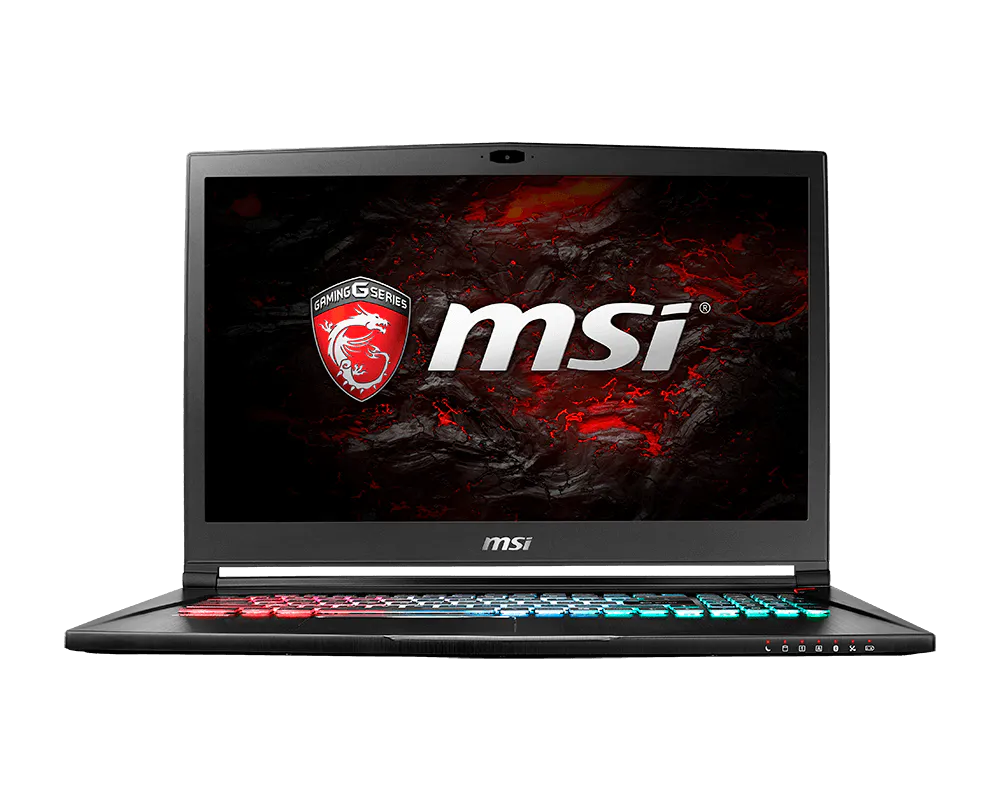
Performance by task
We explain real workload fit — study, work, creation, gaming — not just chip names.
laptopedia
Laptop comparison reference
Specs in plain language — we compare performance, battery, display, and value so you pick the laptop that fits your needs.
02
The criteria behind every recommendation
We explain real workload fit — study, work, creation, gaming — not just chip names.
Battery life, weight, charging, and how portable the machine feels all day.
Screen quality, ports, and typing comfort — the details you notice after one week.
What you get for the price, and what you can upgrade later without replacing everything.
03
Three steps from specs to a decision
We clarify terms and context — not just raw numbers.
We highlight meaningful differences with sources and update dates.
We show who each option suits — and when we would not recommend it.
04
Recommendations ranked by scenario — not a generic “best”
Long battery, light weight, and a keyboard comfortable for daily writing.
Stable performance, enough ports, and a screen suited to meetings and documents.
Better color and resolution, plus processing power for editing and design.
Higher graphics performance and cooling — with clear trade-offs in weight and power.
05
Latest technical references in the Laptopedia library
laptopedia
Pick two laptops from the library and see the differences in minutes.
06
Clear differences between reference models — jump straight into a side-by-side